Claude skill · Brag Log Skill for Claude (free)
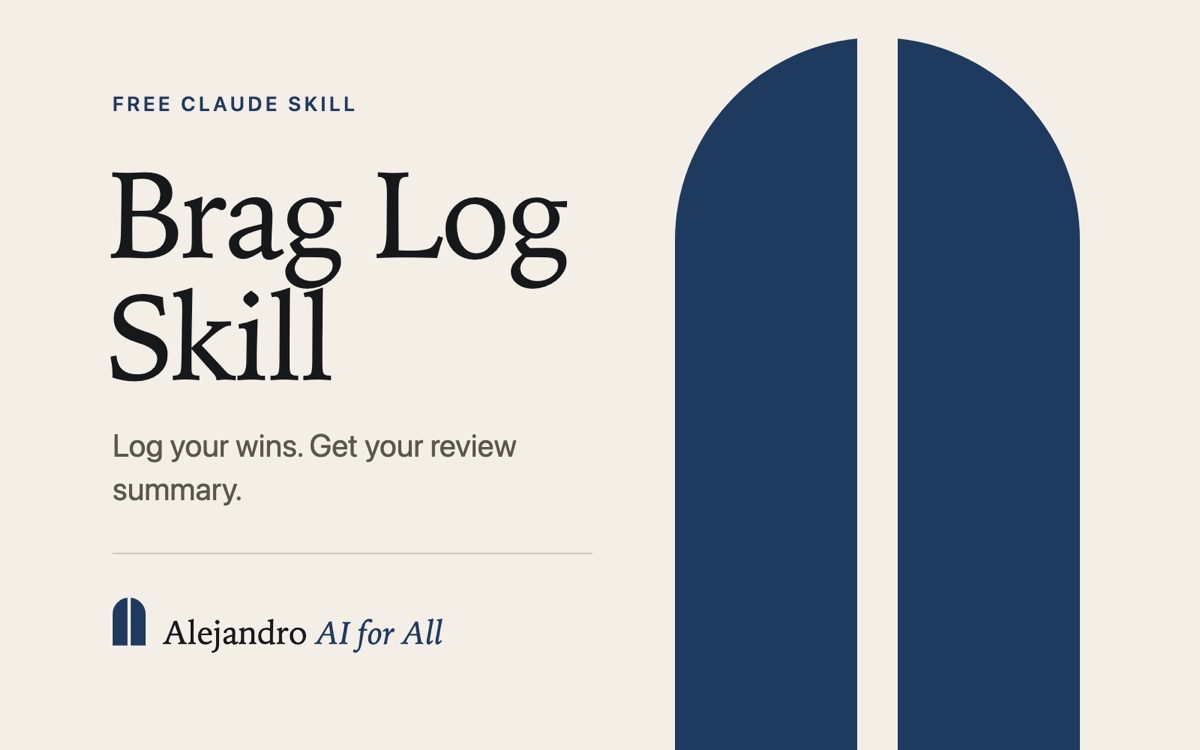
A free Claude skill that keeps your brag document for you
A brag document only helps if you keep it up to date, and most people stop after a week. This skill makes logging a win one line: tell Claude "log: ..." from Claude Code, claude.ai or your phone, and it lands as a row in your own Google Sheet.
The result
Before
Review season arrives and you can't remember what you did six months ago.
After
Every win is logged in one line, and Claude summarizes the period for your raise or your CV.
The problem it solves
Review season comes and you can't remember what you did in March. Your wins are spread across commits, chats and emails, and writing them up for a performance review, a raise or a CV takes a weekend. With a running log, Claude writes that summary for any date range in a few minutes.
Who it's for
- Anyone preparing a performance review or asking for a raise
- People updating a CV or LinkedIn during a job search
- Developers who want their day's commits suggested as wins
- Freelancers and consultants who report progress to clients
Needs: Claude with the Google Sheets connector, Python 3
See it in 20 seconds.
A short video of what the kit does for you, with sound.
What's inside
Logs your wins to a Google Sheet, catches duplicates and writes summaries for a review or CV. The Python helper passes its 64 unit tests.
A free Claude skill that keeps your achievement log. Tell Claude "log: closed the migration two weeks early" from Claude Code, the web or your phone, and a row goes into your own Google Sheet. When review season or a job search comes, ask for a summary of a date range written for a raise, a performance review or a CV.
What it does:
- Validates each entry and catches duplicates.
- Keeps an offline queue when the Sheet is not reachable.
- Proposes the day's git commits as candidate wins.
- Writes summaries by period and backs up to CSV.
- Your data stays in a Sheet you own. Nothing goes to the author.
What you get (one zip):
- The
brag-logskill folder and a ready-to-uploadbrag-log.skillfile. - A Python helper with 64 unit tests, using only the standard library.
- A Sheet template you can set up in two minutes.
- Phone instructions and an installer for Claude Code.
What you customize:
- Connect your own Google Sheet (on claude.ai, embed its ID in the skill; the README shows how).
- Your projects and categories: groups, work types, impact levels.
- Which git emails count as you for commit suggestions.
- The optional Summary tab: shape its formulas and charts to your categories.
Good to know: it needs Claude's Google Sheets connector and Python 3. I built it for my own log and use it daily.
Why free: so you can see how I build things before buying anything else in this store.
Questions about this kit
What is a brag document?
A running list of your accomplishments, with dates and impact, kept so you don't have to reconstruct them at review time. This skill keeps yours in a Google Sheet you own and writes summaries from it.
Is it really free?
Yes. You claim it on Whop at no cost. It's free so you can see how I build things before buying anything else in this store.
Does it work on claude.ai or only in Claude Code?
Both, and from the phone. It needs Claude's Google Sheets connector and Python 3. On claude.ai you embed your Sheet's ID in the skill; the README shows how.
Where is my data stored?
In your own Google Sheet. Nothing goes to me. When the Sheet can't be reached it keeps an offline queue, and it backs up to CSV.
Brag Log Skill for Claude (free)
Say "log: ..." and Claude records your wins for your next review or CV